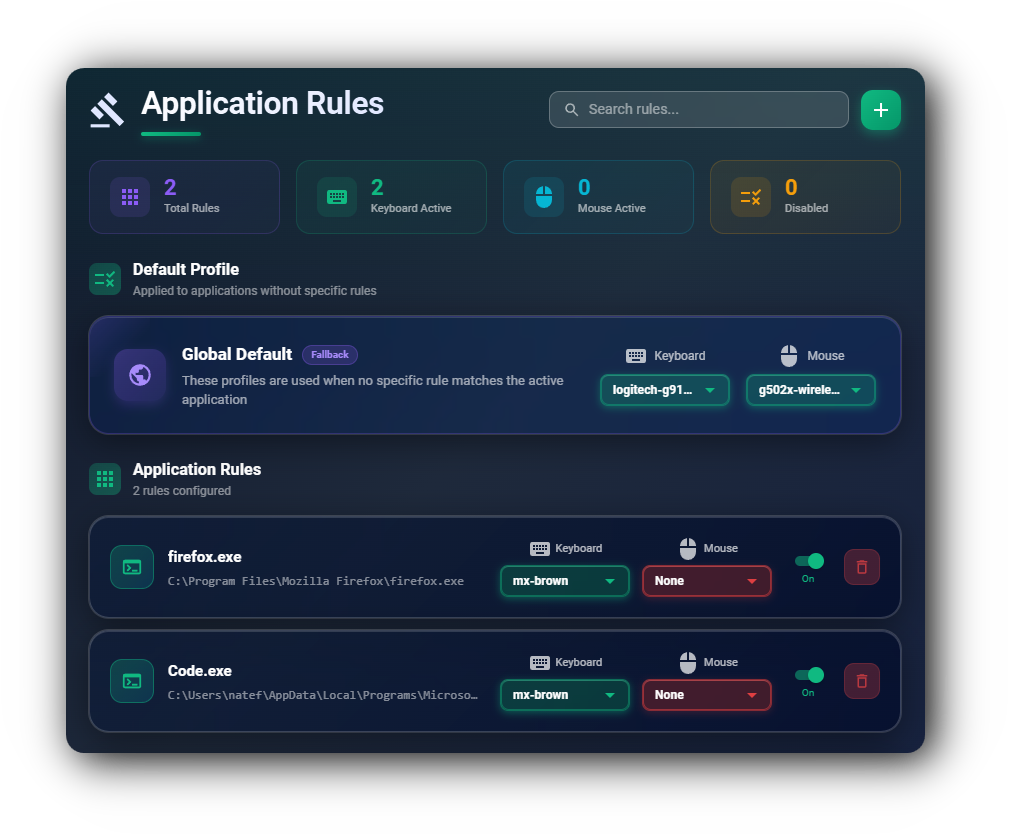
Application Rules
Control the sound daemon based on the currently focused application. Enable only in your text editor or terminal, disable for specific games, or localize sounds to a particular app.
Windows & macOSA desktop app that plays customizable keyboard and mouse sounds while you work. Make every keystroke satisfying.
Open source · 20+ built-in profiles · Cross platform
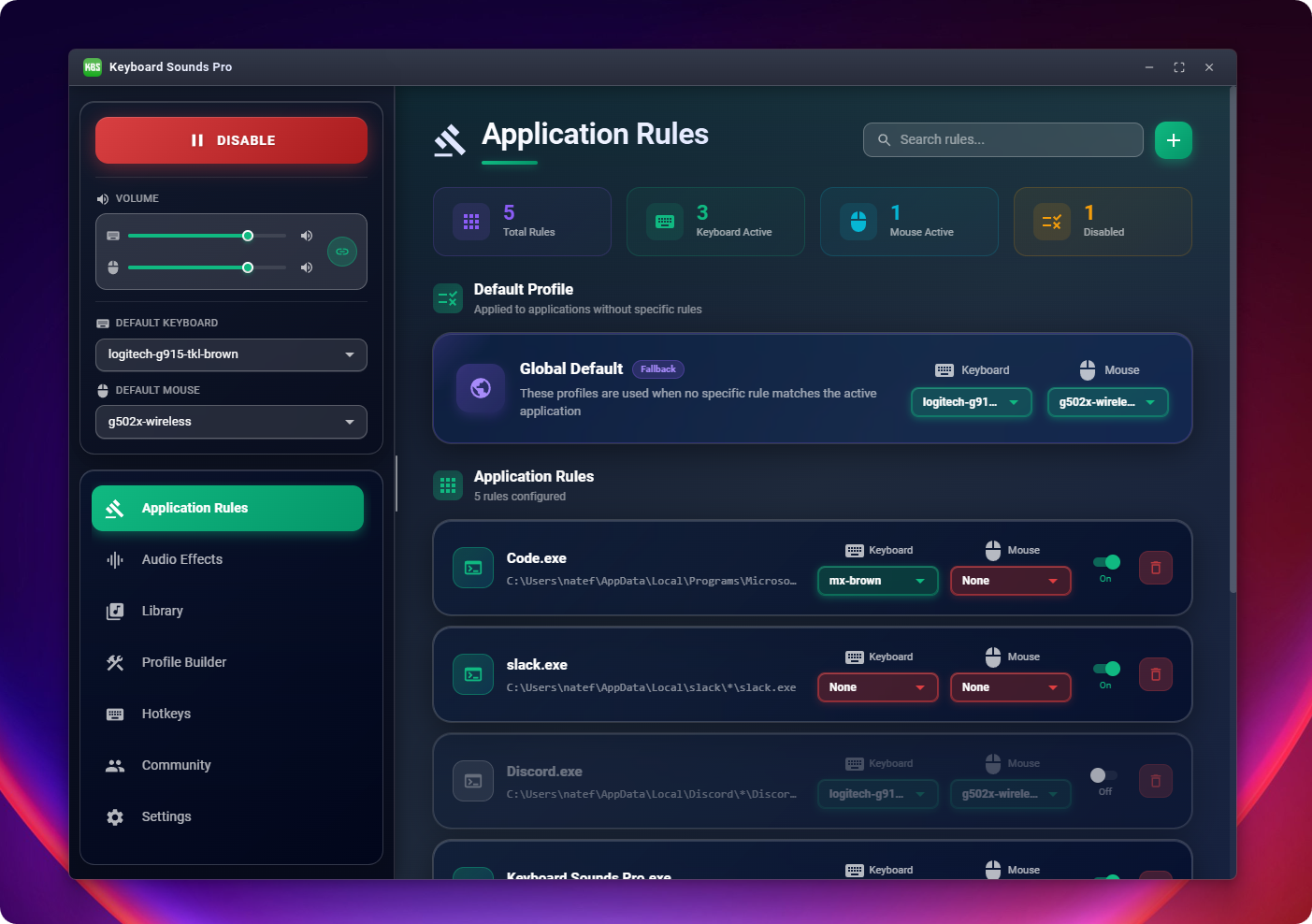
Control the sound daemon based on the currently focused application. Enable only in your text editor or terminal, disable for specific games, or localize sounds to a particular app.
Windows & macOS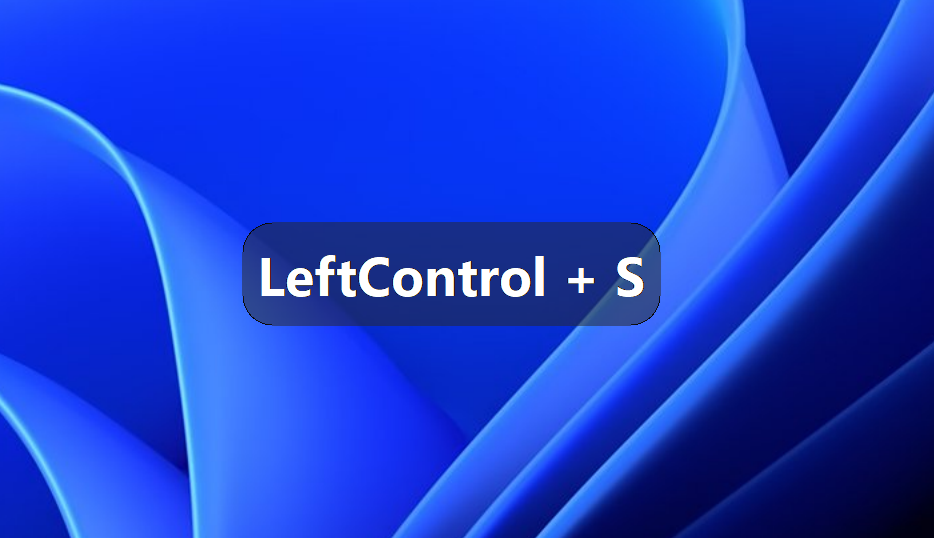
Display active keyboard shortcuts and modifiers on screen as you type. Perfect for streamers, content creators, and anyone who wants to show their key presses visually.
Windows & macOS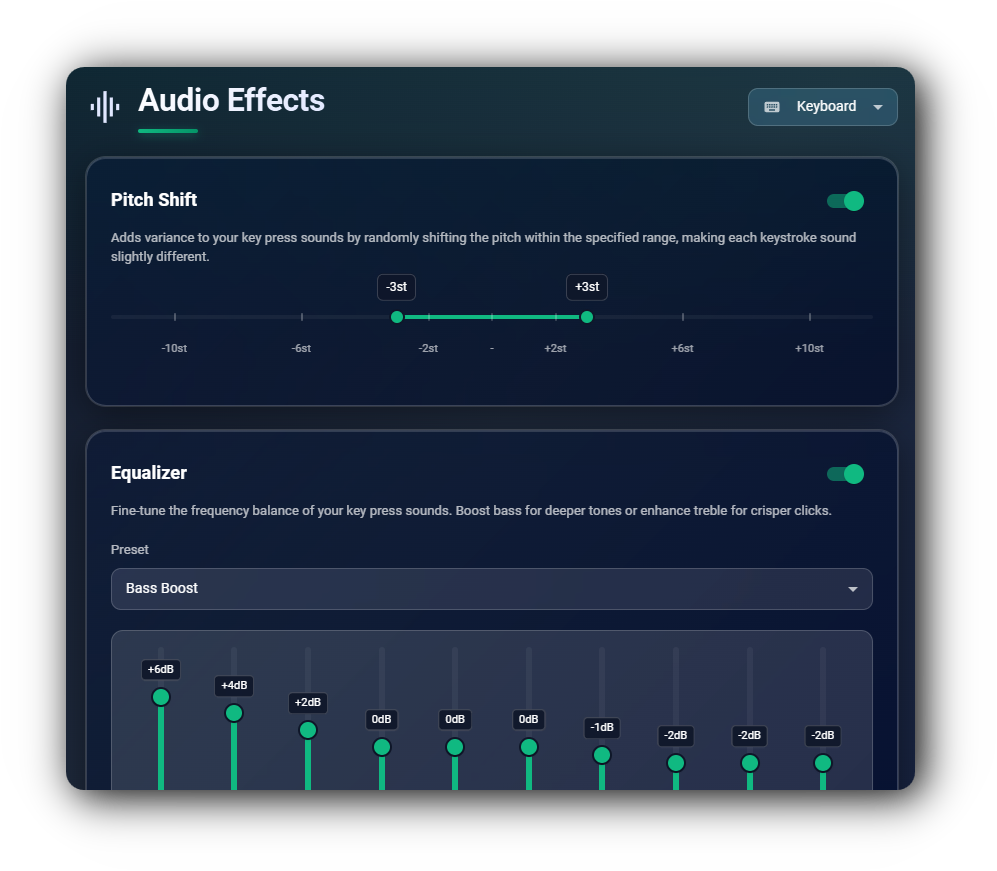
Pitch Shift — Change the pitch within a range. Pan — Pan left or right. Equalizer — Adjust frequency response to your liking.
Windows, macOS & Linux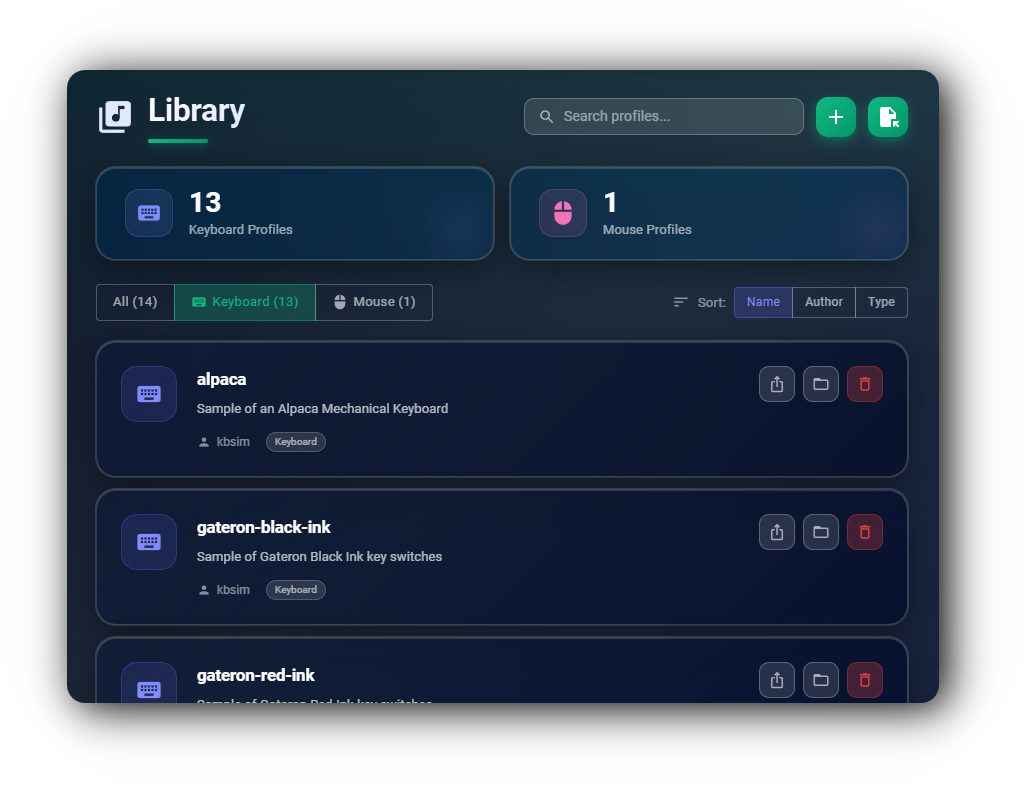
Support for both Mouse and Keyboard audio profiles. Comes bundled with twenty built-in profiles (13 keyboard, 7 mouse). Supports custom profiles through the editors (.wav and .mp3), and import/export to share with others.
Windows, macOS & Linux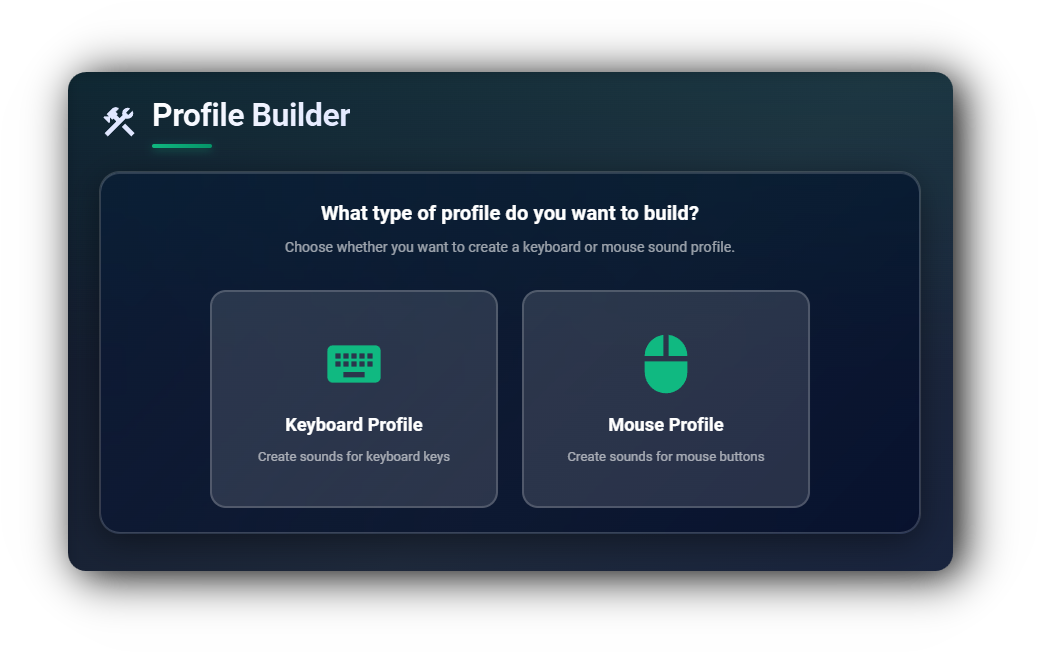
Build your own profiles using audio files you provide. Supports both keyboard and mouse profiles. Share them with others and import into the app.
Windows, macOS & Linux| Feature |
 Keyboard Sounds Pro
|
 MechVibes
|
|
 Thock
Thock
|
|---|---|---|---|---|
| Mouse support | ✓ | — | — | — |
| Application rules | ✓ | — | — | — |
| Audio effects (pitch, pan, EQ) | ✓ | — | — | — |
| Profile builder | ✓ | ✓ | ✓ | — |
| Import & export profiles | ✓ | ✓ | ✓ | — |
| Custom hotkeys | ✓ | — | — | — |
| On-screen keyboard shortcuts | ✓ | — | — | — |
| Windows & Linux | ✓ | ✓ | ✓ | — |
| Custom profiles | ✓ | ✓ | ✓ | ✓ |
| Open source | ✓ | ✓ | ✓ | ✓ |
| Public API / backend | ✓ | — | — | — |
Connect with fellow keyboard enthusiasts, share your custom sound profiles, get help, and stay updated on the latest features.
Share and discover custom keyboard sound profiles created by the community
Chat about mechanical keyboards, switches, and audio customization
Show off your best sound profiles and get featured by the community
Get help with setup, troubleshooting, and profile creation
Be the first to know about new features and releases
Help test new features before they're released to everyone